Marketplace cooks
You already get “PLATE” in the comments. Send one link instead of typing out 40 orders.
For home cooks, pop-ups, trucks & caterers
You see a draft of your ordering website right after you sign up. You run it from your phone — take orders, change your menu, see what you sold. No tech skills needed.
First month $19.99 on Store or Plus through Dec 31. Then $50/mo or $100/mo. Domain extras separate.
Draft after signup · Polish in 3 business days · Cancel anytime · You keep your customers
Sunday plate
Miss Dee's · Lancaster
14 sold · 6 plates left today
A $25 plate on a delivery app can lose $5–$8 to fees. KitchenCheckout is $50 a month. Sell ten plates and you're already ahead.
You already have people who want your food. This gives them a real place to order and pay.
You already get “PLATE” in the comments. Send one link instead of typing out 40 orders.
Set your hours, cap how many you make, and it stops taking orders when you sell out.
Weekend-only, new spot every week, preorders that don’t live in your DMs.
Post where you’re parked today. People order ahead so the window line moves.
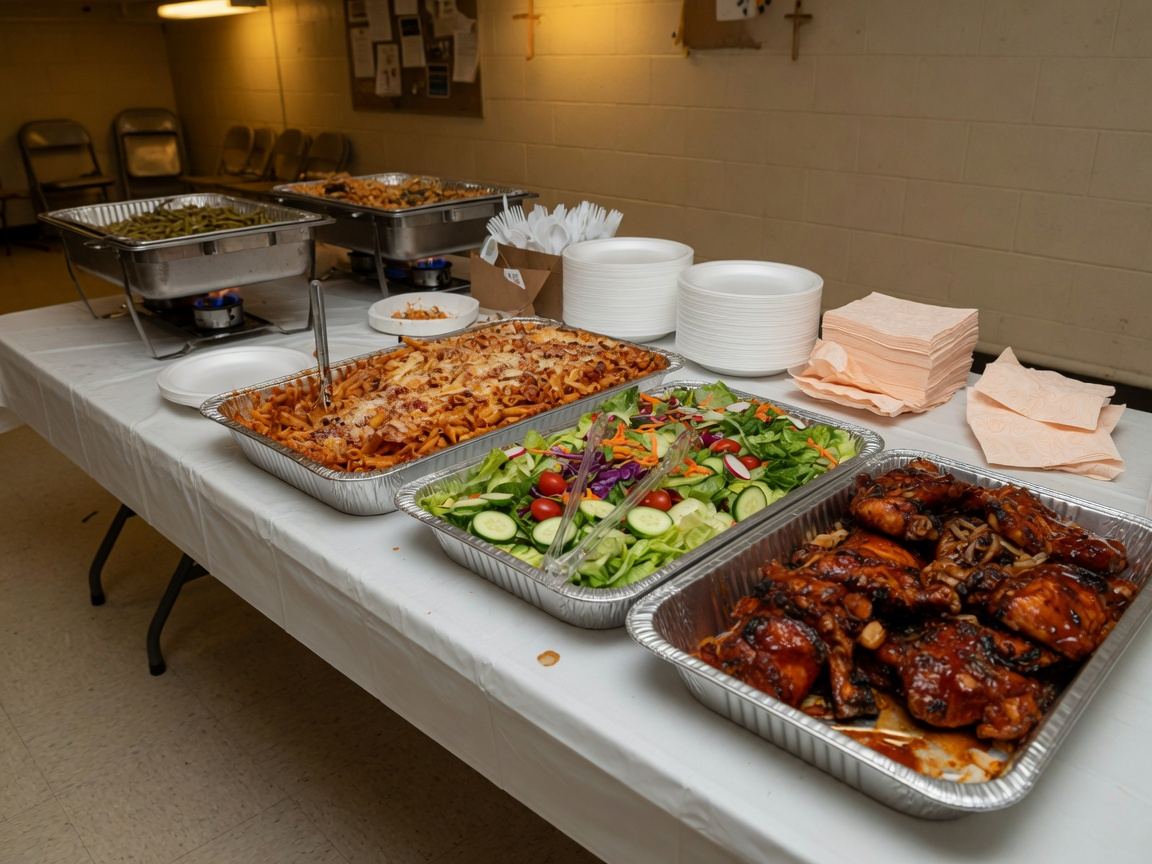
Headcount, event date, and the address — all in one order instead of a text thread.
Every store comes with an owner dashboard. These are real screens from a demo kitchen — open it yourself and tap around.
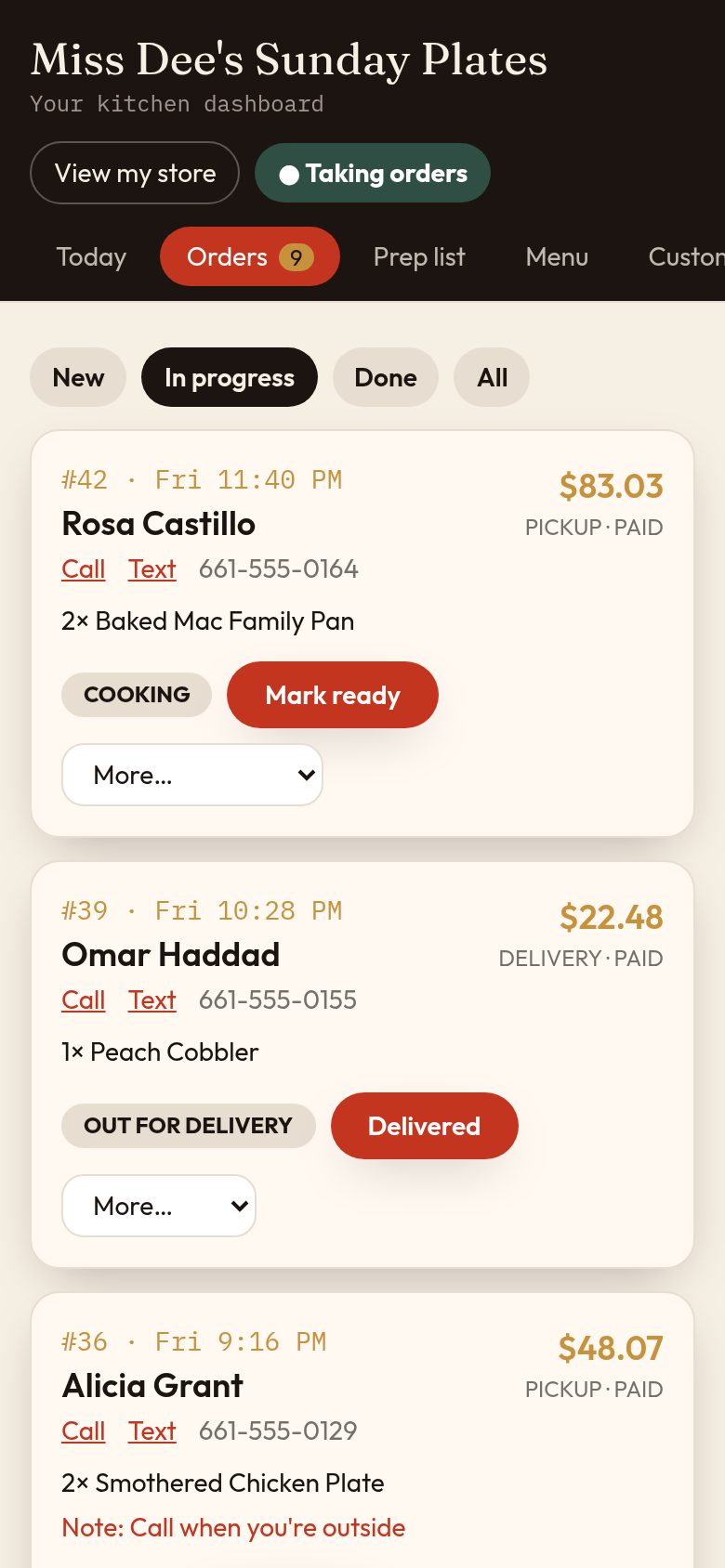
Orders
Every order in one place. Tap Accept, then Cooking, then Ready. Call or text the customer with one tap.
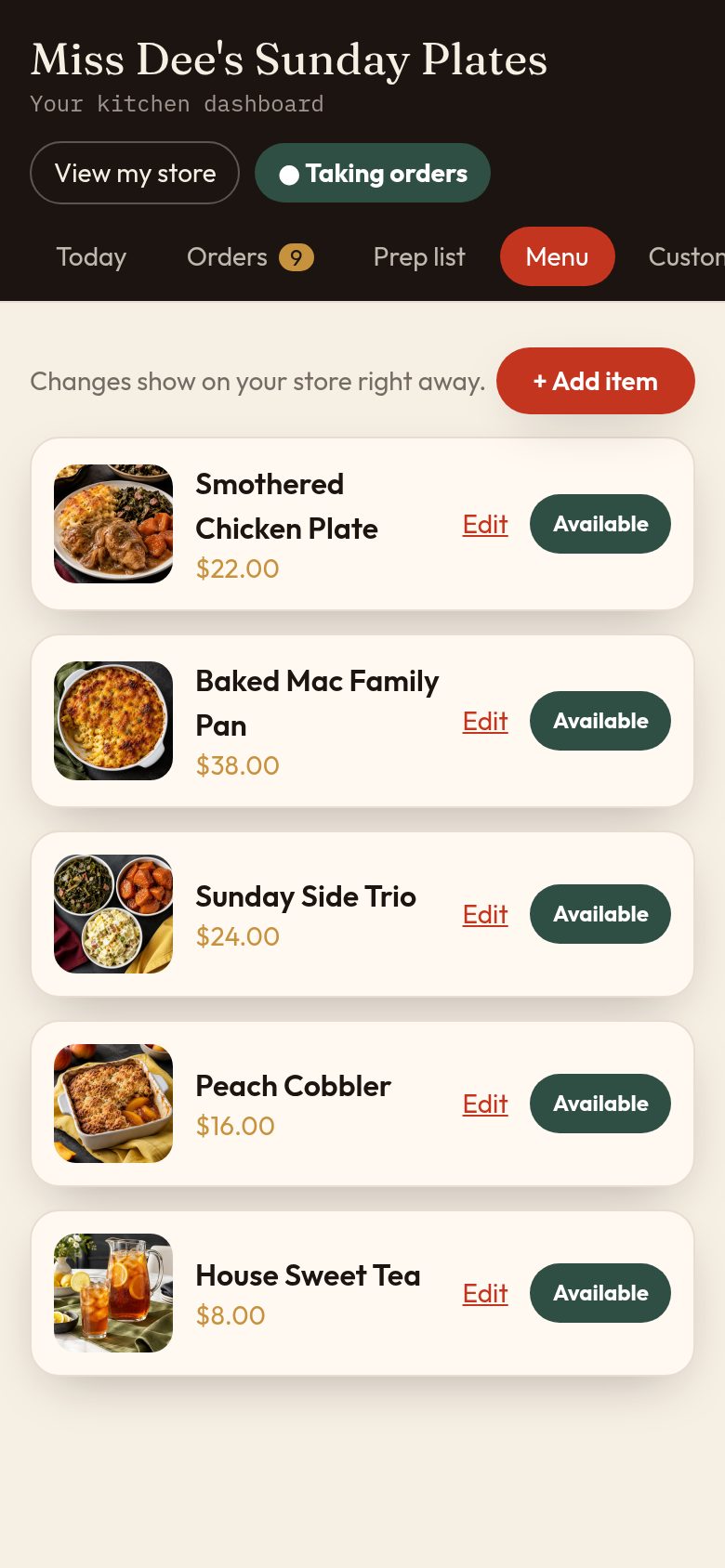
Your menu
Change a price, add a special, or mark something sold out. Your store updates the second you save.
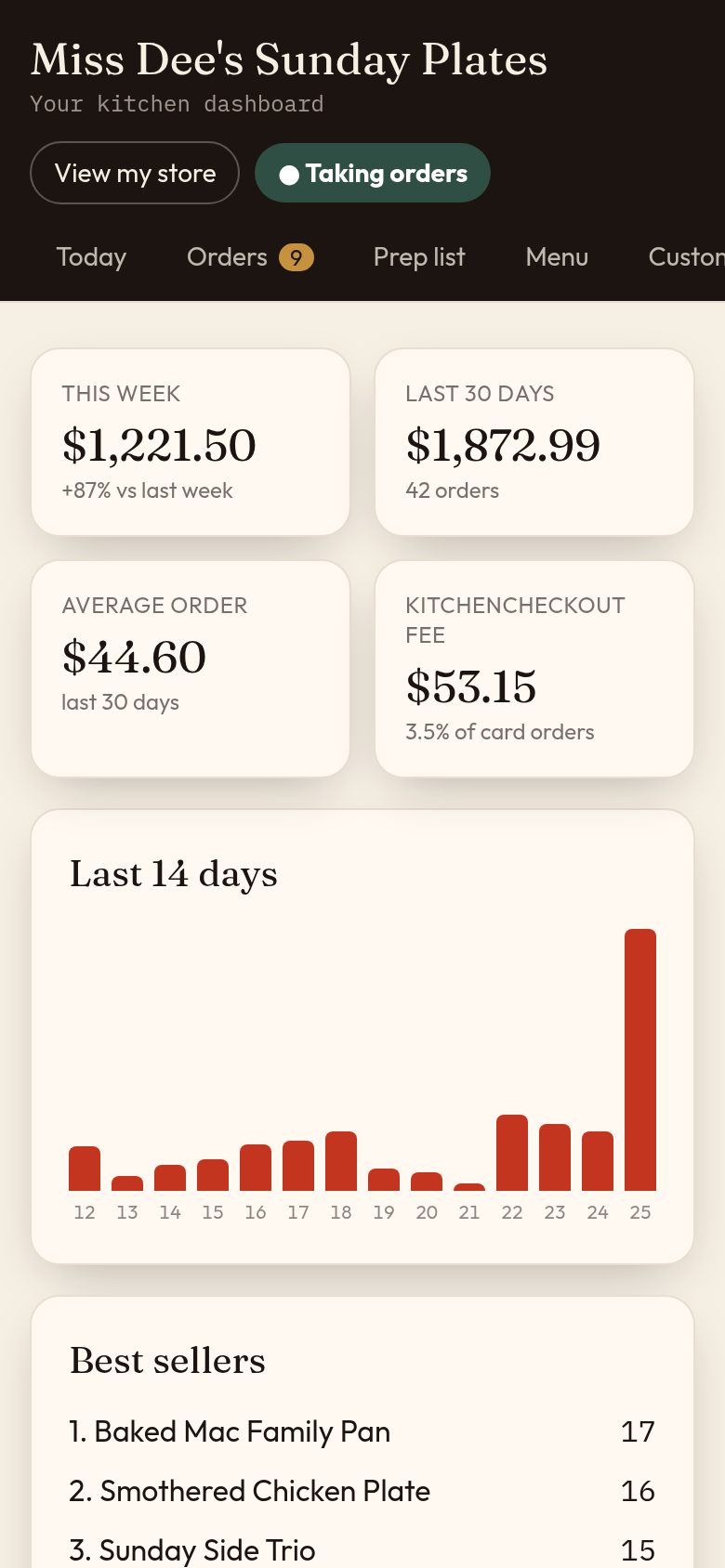
Your sales
This week vs last week, your best sellers, and how much came in by card or at pickup.
1. Tell us about your food
Five quick questions — what you sell, pickup or delivery, your hours. Then pick Store ($50) or Plus ($100).
2. Your draft is ready
We apply the look you picked, your name, and the menu you pasted. Fix photos and dishes on your phone. Nothing is public yet.
3. Share your link
Go live yourself, or we polish it within 3 business days. Post the link. Customers order and pay.
Draft right after you pay. We polish Store in 3 business days, Plus in 1–2 — or you launch yourself.
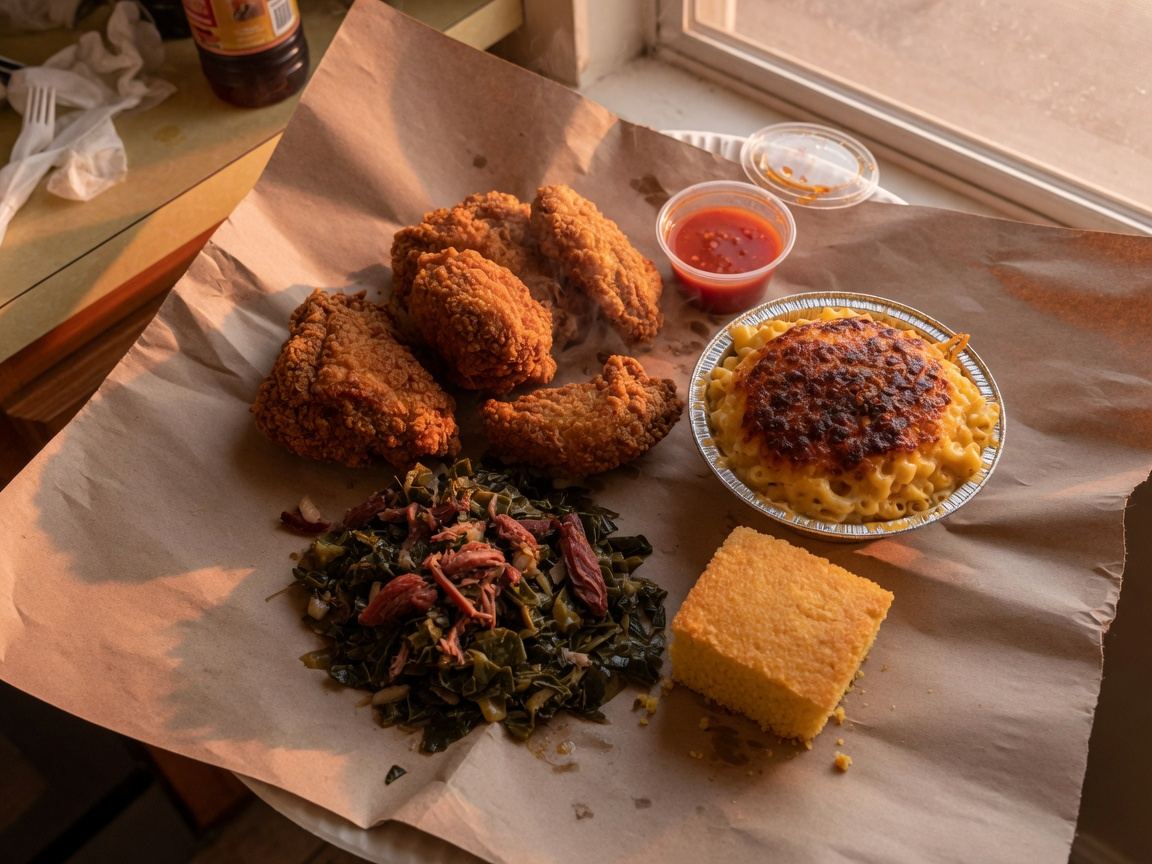
Soul food / Sunday dinner
Sunday dinner, prepaid. Until we sell out.
See this demo
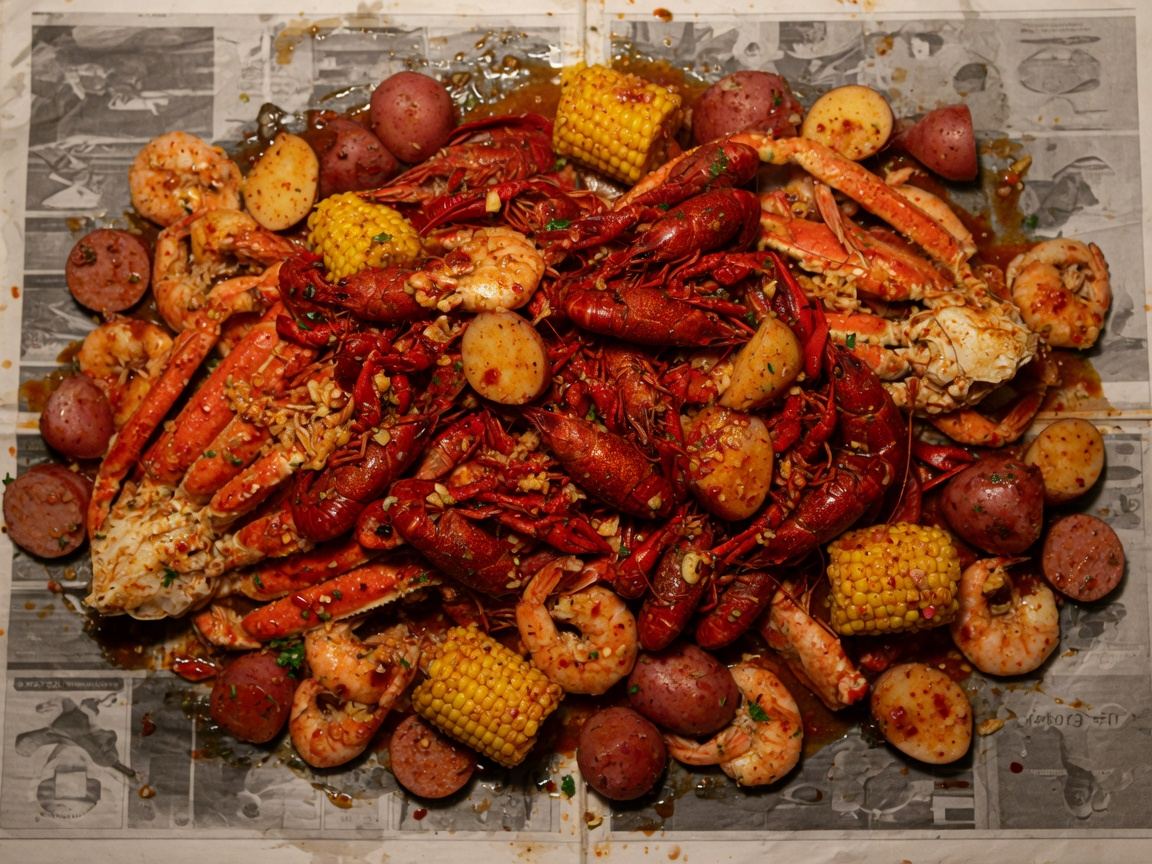
Seafood boil
Trays take 24 hours. Plates take 4. Don't text at 5 asking for a tray at 6.
See this demo
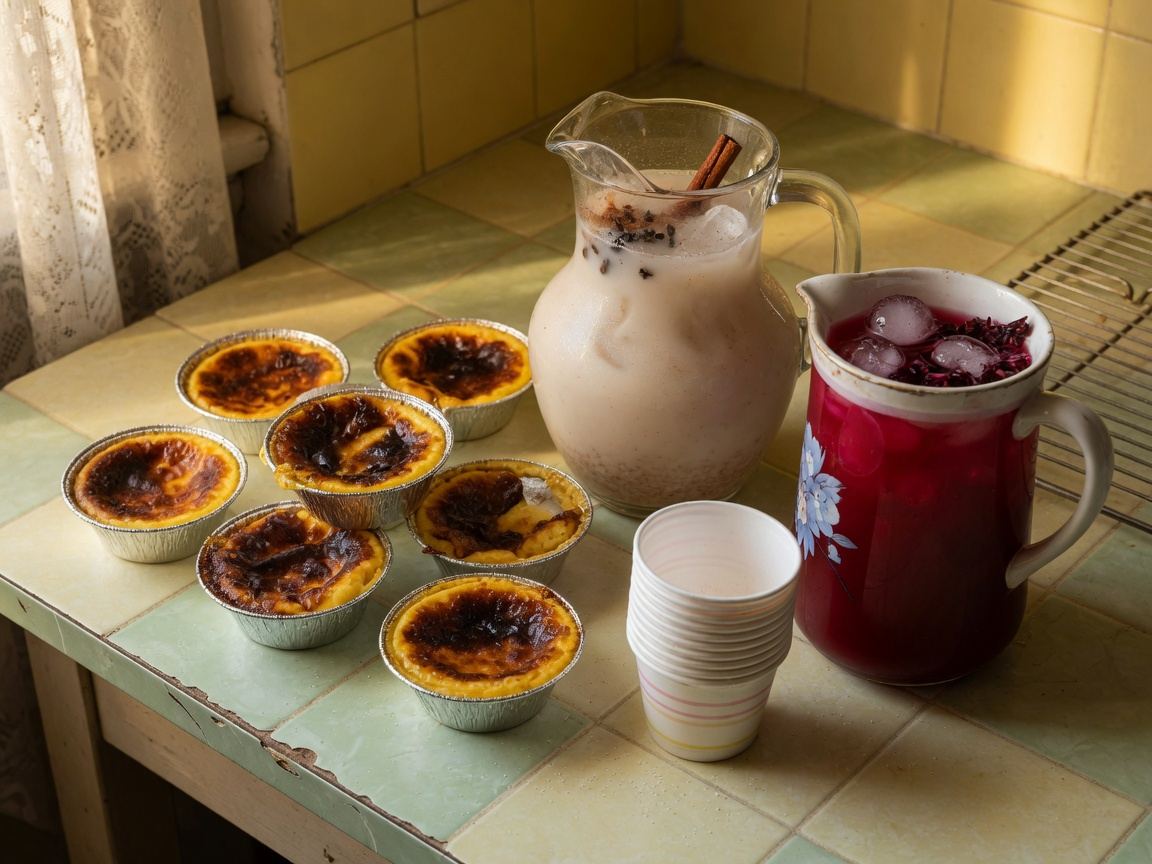
Jericayas / horchata / jamaica
Jericayas, horchata, jamaica. Recoge o te lo llevamos.
See this demo
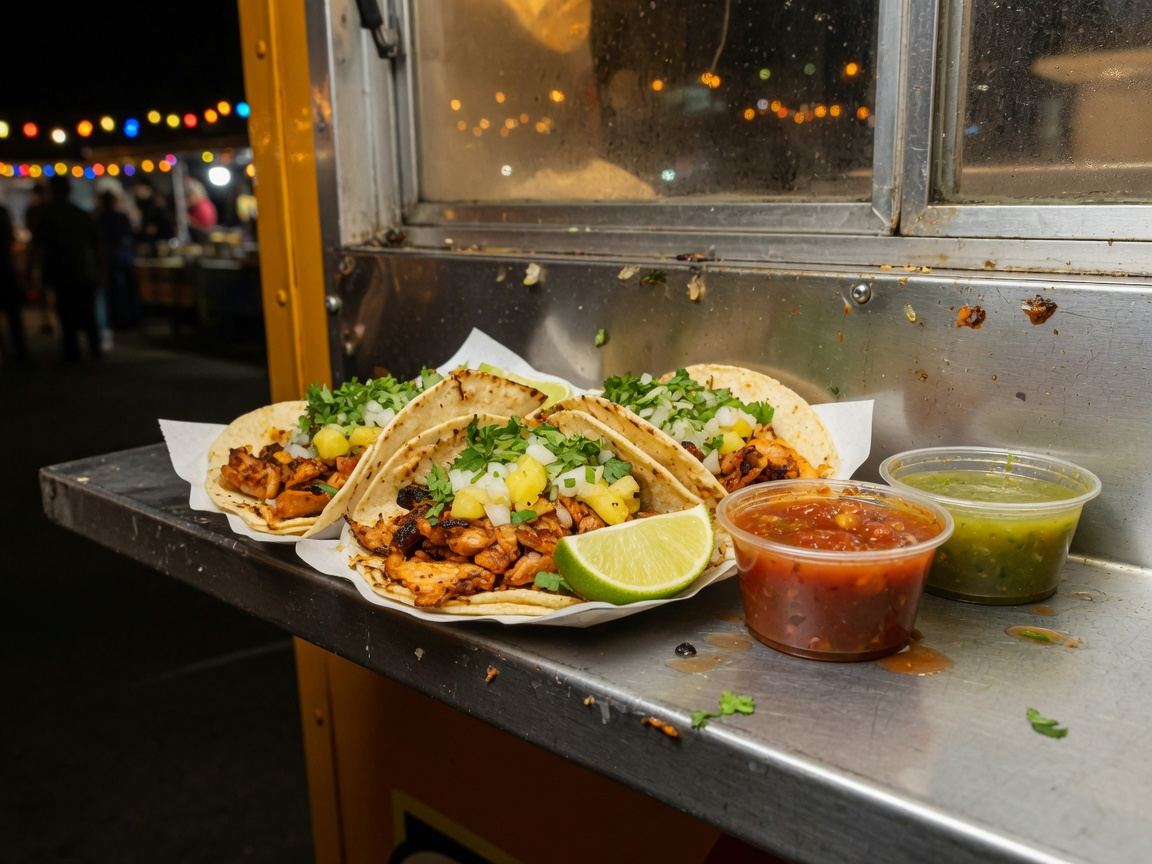
Trucks / street tacos
We're at the lot until 2. Order ahead so the window isn't a mess.
See this demo
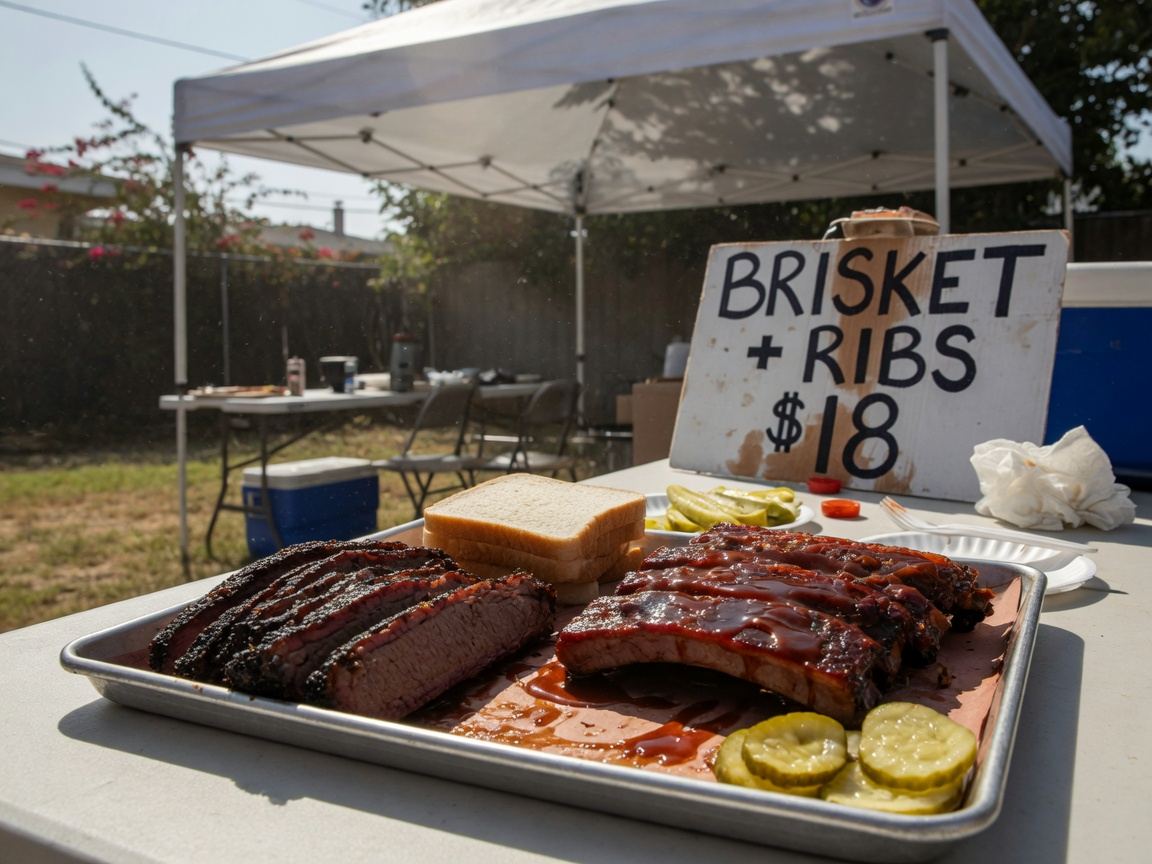
Weekend pop-ups
Saturday drop. When the brisket's gone, the post comes down.
See this demo
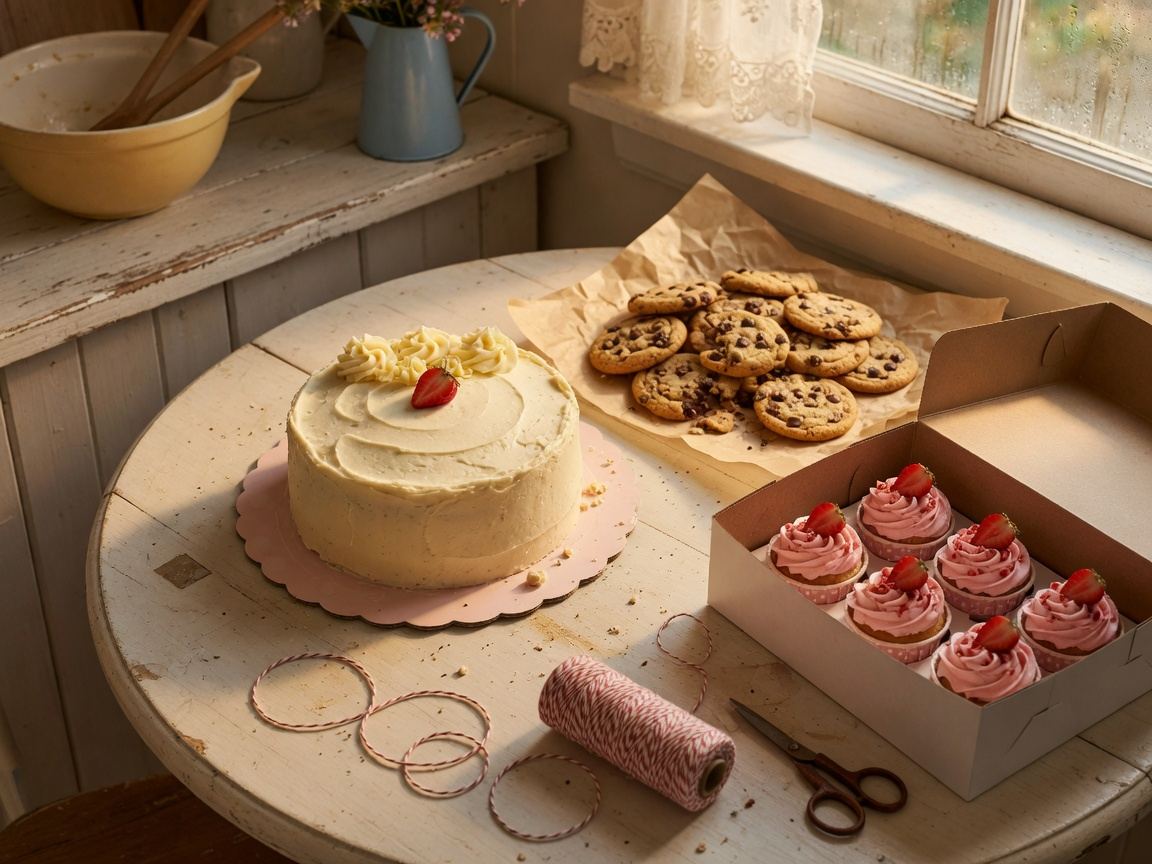
Cakes, cookies, drops
Cakes, cookies, drops. Pickup window on the calendar. Not a surprise.
See this demo
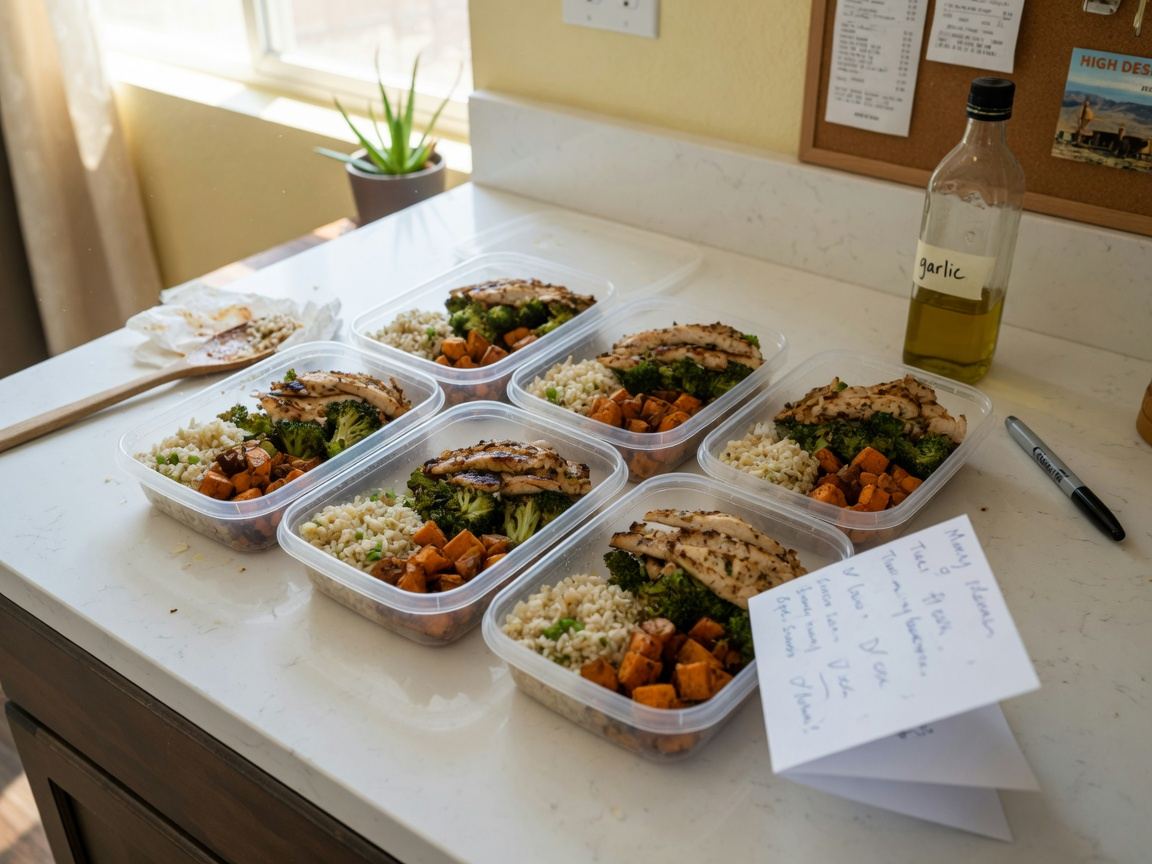
Weekly boxes
This week's boxes. Cutoff Tuesday 8pm. After that, you wait.
See this demo
Trays + events
Trays, headcount, deposit. Not a same-day gumbo.
See this demo
| Feature | Store $50.00/mo | Store Plus $100.00/mo |
|---|---|---|
| Your own food website, draft after signup | Yes | Yes |
| Pickup + local delivery | Yes | Yes |
| Menu, photos, sold out, quantity limits | Yes | Yes |
| Owner dashboard on your phone | Yes | Yes |
| Customer list + sales reports | Yes | Yes |
| Card payments to your own Stripe | Yes | Yes |
| Fee on card orders | 3.5% | 2% |
| Order status page for every customer | Yes | Yes |
| Promo codes | — | Yes |
| “Order ready” alerts to customers | — | Yes |
| Your own .com domain | $20 setup + $25/yr | $20 setup + $25/yr |
| We polish it | 3 business days | 1–2 business days |
Food money goes to your Stripe. KitchenCheckout takes 3.5% on Store and 2% on Plus. Stripe's processing fee is separate. Full pricing
Five quick questions. Send your menu and photos after — a picture of a paper menu works.